

Workshop HQ's Xero Integration Is Live for Australian Workshops
Workshop HQ now connects each workshop's own Xero organisation to the invoice workflow. Here is the exact released scope, the safeguards and the current boundary.
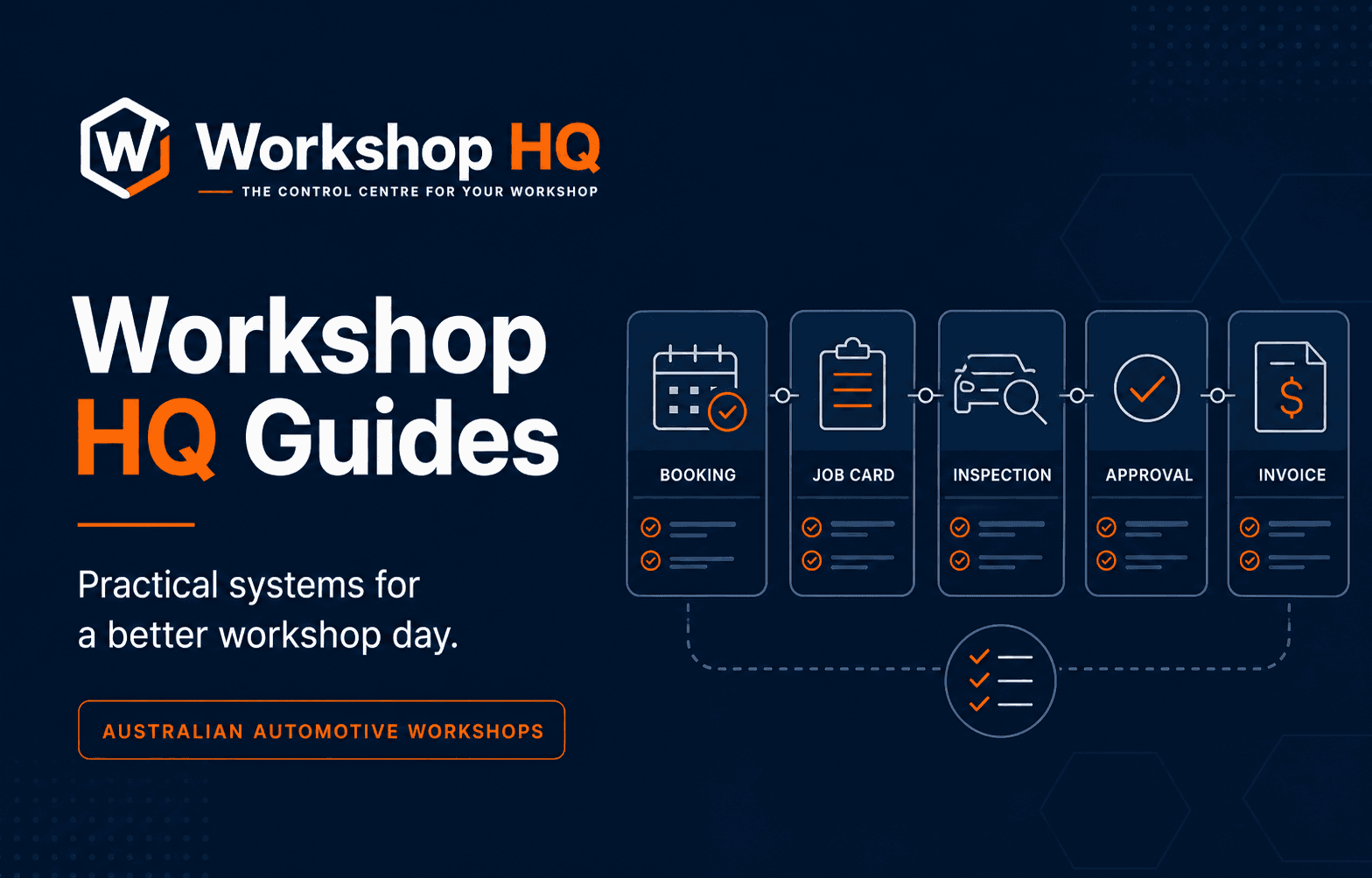
Workshop HQ's Xero integration is live for Australian automotive workshops. It connects the final commercial stage of a repair to the workshop's own Xero organisation without turning the accounting platform into the place where technicians, customer evidence or repair decisions have to be managed.
The released flow is deliberately specific. A workshop authorises its own Xero organisation, selects the sales account used for invoice lines and the bank or clearing account used for payments. Workshop HQ then sends finalised sales invoices with their customer, invoice-line and GST-inclusive context. When a Workshop HQ invoice becomes fully paid, the matching payment can be applied to that invoice in Xero.
This article documents what is live, how the records stay connected, which duplicate and tax checks operate, and what remains outside the current integration. That boundary is more useful than an unexplained integration logo because a workshop can test the exact accounting handoff before migration.
Key takeaways
- Each workshop authorises its own Xero organisation and chooses its own sales and payment accounts.
- Draft invoices stay in Workshop HQ; finalising creates an authorised accounts-receivable invoice in Xero.
- A fully paid Workshop HQ invoice can create the matching Xero payment without recreating the invoice.
- Invoice numbers, Workshop HQ contact identifiers and payment references protect against duplicate records.
- Tax-total mismatches and sync failures remain visible so the workshop can correct and retry them.
- The released flow is one-way from Workshop HQ to Xero; supplier bills, bank reconciliation, BAS preparation and partial-payment transfer are not claimed as part of this release.
The repair job remains in Workshop HQ; the accounting record reaches Xero
Workshop software and accounting software answer different operational questions. Workshop HQ holds the booking, vehicle, repair order, technician work, checksheets, photos and video, customer decisions, invoice and workshop history. Xero holds the accounting organisation and the financial records the workshop, bookkeeper and accountant use.
The integration joins those responsibilities at the point where the workshop has a final commercial record. It does not ask reception to rebuild the invoice in Xero or ask technicians to work inside accounting screens. The Workshop HQ invoice number, customer, vehicle reference and line values become the basis of an authorised Xero sales invoice.
That boundary preserves the operating authority behind each charge. Labour and parts begin in the repair order, approved work remains attached to the customer's decision, and the final invoice is sent only after the workshop finalises it. Xero receives the accounting result rather than a disconnected draft assembled before the repair story is complete.
Each workshop controls its own Xero connection and account mapping
Connection begins with the workshop signing in through Xero's authorisation flow and choosing the relevant Xero organisation. Workshop HQ does not ask the workshop to hand over its Xero password. Xero's OAuth 2.0 model gives an approved application scoped access to the selected organisation after the user grants permission.
The workshop then chooses two accounting destinations: the sales account for invoice lines and the bank or clearing account that receives the matching payment. Those choices matter because charts of accounts differ between businesses. Workshop HQ does not assume that every mechanical workshop uses the same revenue code or payment-clearing arrangement.
Automatic finalised-invoice sync can be enabled or disabled. A workshop can also process outstanding finalised invoices after connecting, including a controlled batch of up to fifty records at a time. Disconnecting removes the active Workshop HQ connection rather than leaving an unexplained background sync running.
- Authorise the workshop's own Xero organisation
- Choose the sales account used for Workshop HQ invoice lines
- Choose the bank or clearing account used for recorded payments
- Enable automatic finalised-invoice sync or use the controlled retry action
- Disconnect the integration from Workshop HQ when it is no longer required
Drafts stay private to the workshop until the invoice is finalised
A draft is still being prepared and should not become an approved accounting invoice merely because someone opened it. Workshop HQ therefore excludes draft and void invoices from the released Xero flow. Finalising the invoice is the operational boundary that allows the authorised sales invoice to be created in Xero.
The Xero invoice carries the Workshop HQ invoice number, issue and due dates, customer contact, line descriptions, GST-inclusive line amounts, selected sales account and a vehicle reference where one exists. The invoice is created as an authorised accounts-receivable record rather than another draft that has to be approved a second time in the accounting system.
Standalone parts or counter-sale invoices use the same finalisation principle. A genuine sale that does not require a vehicle repair order can still reach Xero after it becomes a finalised Workshop HQ invoice. The integration does not force the workshop to create a fake vehicle job to account for a counter sale.
Customer contacts are matched with a stable Workshop HQ identifier
Customer matching is part of the accounting handoff, not an afterthought. Workshop HQ uses a contact number derived from the Workshop HQ customer record to look for the corresponding Xero contact. When no matching contact exists, the integration creates one with the available customer or company name and relevant contact details.
That approach avoids relying on a customer name alone. Names can be shared, reformatted or changed, and Xero's own developer guidance recommends using identifiers rather than assuming the contact name will remain unique. A stable Workshop HQ contact number gives the integration a clearer relationship to test and reuse.
The released flow creates or reuses the contact required for the invoice. It is not described as a general two-way customer-database synchronisation. A change made directly in Xero does not currently claim to overwrite the Workshop HQ customer or vehicle record.
A full payment is applied after the Workshop HQ invoice is paid
Finalising and paying are separate events. An issued Workshop HQ invoice can reach Xero as an authorised invoice while remaining unpaid. When the invoice later becomes fully paid in Workshop HQ, the released flow can apply the matching payment to the Xero invoice using the payment account selected by the workshop.
The payment carries a Workshop HQ reference and the recorded paid date. Before creating it, the integration checks whether the Workshop HQ invoice already has a Xero payment identifier and searches for an existing payment with the same stable reference. That allows a retry to recover without deliberately posting the same payment twice.
Partial-payment transfer is not claimed as part of this release. Workshop HQ can record part-paid invoice state operationally, but the Xero payment described here is created when the Workshop HQ invoice is fully paid. A workshop that needs each instalment transferred separately should treat that as a current requirement to verify rather than infer it from the word integration.
Duplicate prevention and GST checks protect the handoff
Retries are unavoidable in a real integration. Credentials expire, an account mapping may be missing, a remote service can reject a request, or a staff member may run a manual recovery after an automatic attempt. A safe retry must determine what already exists before creating another accounting record.
Workshop HQ retains the Xero invoice and payment identifiers after a successful sync. If an invoice identifier is not yet stored, the integration also searches Xero using the Workshop HQ invoice number. Payments use their own Workshop HQ reference. These checks combine local state with remote lookup instead of assuming that a failed browser response means nothing was created.
The integration also compares the amount due calculated by Xero with the Workshop HQ invoice total. If the values differ, the sync stops and identifies the likely sales-account tax-rate problem rather than silently accepting two different totals. GST-inclusive line handling is explicit, but the selected Xero account still needs the correct tax configuration for the workshop's circumstances.
- Retain Xero invoice and payment identifiers on the Workshop HQ invoice
- Search by the Workshop HQ invoice number before creating a missing invoice
- Search by a stable Workshop HQ payment reference before creating a payment
- Use idempotent request keys during contact, invoice and payment creation
- Stop and expose a Xero-versus-Workshop-HQ total mismatch
Sync status and errors stay visible instead of disappearing in the background
A connected logo is not enough for the person responsible for the books. Workshop HQ records when an invoice last synced and whether that invoice needs Xero attention. Connection-level error state is also retained so the workshop can see that the accounting handoff is not healthy.
Missing account mappings prevent finalised invoices from being sent and produce a specific corrective message. API failures, rejected values and expired authorisation can be surfaced against the invoice and connection. The controlled sync action can then retry outstanding finalised invoices after the underlying issue is corrected.
This does not remove the need for normal accounting review. The workshop or its adviser should still reconcile the Xero organisation, confirm tax treatment, review bank activity and handle credits or accounting corrections under its own process. The integration's responsibility is a traceable, recoverable transfer of the released records—not an unsupported promise that every accounting task is automatic.
The current boundary is clear, and the integration program continues
The live release sends finalised sales invoices and the contacts they require from Workshop HQ to Xero, then adds the matching full payment when the Workshop HQ invoice is paid. It does not currently claim two-way invoice editing, separate partial-payment transfer, supplier bills, purchase orders, credit notes, payroll, bank feeds, reconciliation or BAS lodgement.
Those boundaries do not make the connection incomplete for its stated purpose. They define what a workshop can rely on today and what must still be handled in Xero or verified as a future requirement. Clear scope is especially important during migration because an accounting integration can be mandatory even when the wider workshop platform is a strong fit.
Xero is the first live accounting connection in Workshop HQ's permanent integration program. Burson EzyParts and Repco Navigator Pro remain in active setup and are not labelled released. Further high-value supplier and accounting connections will continue, with the same standard: provider access, correct record direction, commercial accuracy, visible recovery and end-to-end testing before an integration is called live.
A reviewer can verify the complete Xero flow without relying on this article
The strongest proof is a controlled end-to-end test using a non-production Xero organisation. Connect the organisation, select the two accounts, create a Workshop HQ invoice containing labour and parts, finalise it and inspect the resulting contact, authorised invoice, line values, GST-inclusive total and vehicle reference in Xero.
Then record full payment in Workshop HQ and confirm the payment is attached to the same Xero invoice using the selected account. Repeat the sync and verify that a second invoice or payment is not created. Finally, introduce a safe configuration error, confirm the failure is visible, correct it and retry successfully.
That sequence tests authentication, account ownership, field scope, tax totals, state transition, duplicate prevention and recovery. It is the standard Workshop HQ asks buyers and independent reviewers to use because it proves the released workflow more reliably than a feature table.
Questions from workshops
Frequently asked questions
Is Workshop HQ's Xero integration live now?
Yes. Australian workshops can connect their own Xero organisation, choose sales and payment accounts, send finalised Workshop HQ invoices with customer and line context, and add the matching payment when the Workshop HQ invoice is fully paid.
Does Workshop HQ send draft invoices to Xero?
No. Draft and void invoices are excluded. Finalising a Workshop HQ invoice creates the authorised Xero sales invoice, which prevents unfinished workshop drafts from becoming accounting records.
Does the Xero integration sync partial payments separately?
Not in the current released scope. The matching Xero payment is created when the Workshop HQ invoice becomes fully paid. A workshop requiring each part payment in Xero should record that as a current gap to verify.
How does Workshop HQ avoid duplicate Xero invoices and payments?
It retains Xero record identifiers, checks Xero for the Workshop HQ invoice number or payment reference when necessary, and uses idempotent creation keys so retries can recover without intentionally recreating the same record.
Does this integration replace Xero or an accountant?
No. Workshop HQ remains the workshop operating system and transfers the released sales records to Xero. Bank reconciliation, BAS preparation, accounting review and other Xero processes remain in Xero and with the workshop's adviser.
Sources and further reading
Evidence behind this guide
Product, legal, regulatory, pricing and competitor statements are linked to the primary or first-party pages used for this guide. Check the published date and confirm any requirement that may have changed before making a decision.
Workshop HQ
Integrations and release status
The official integration record states Xero's live availability, current data flow, account-mapping boundary, release gate and the separate status of supplier integrations.
Read the sourceWorkshop HQ
Released product capability register
The capability register publishes the Xero evidence statement and a reproducible non-production demonstration covering invoice, contact, payment, duplicate and failure behaviour.
Read the sourceXero Developer
OAuth 2.0 overview
Xero's official developer guidance explains organisation authorisation, permission scopes and the supported OAuth flows used by connected applications.
Read the sourceXero Developer
Accounting API invoices
Xero's official Accounting API reference defines sales invoice records, states, contacts, line items, dates, invoice numbers and related request behaviour.
Read the sourceXero Developer
Accounting API contacts
Xero's official contact reference documents contact identifiers and recommends that integrations avoid relying on contact names as unique identifiers.
Read the sourceXero Developer
Accounting API payments
Xero's official payment reference documents applying payments to approved accounts-receivable invoices and the account, date, amount and reference fields involved.
Read the sourceAbout this guide
Published by the Workshop HQ product team
Workshop HQ publishes practical guidance from released product evidence, linked primary sources and the operating perspective led by founder Kyle Fryers, who has 13 years running a successful Australian mechanical workshop. Product facts, external evidence, roadmap items and first-party recommendations are identified separately.