

How to Choose Workshop Management Software: An Australian Workshop Checklist
A feature list is not enough. Use this practical workflow checklist to test whether workshop software will genuinely reduce handovers, chasing and repeated data entry.
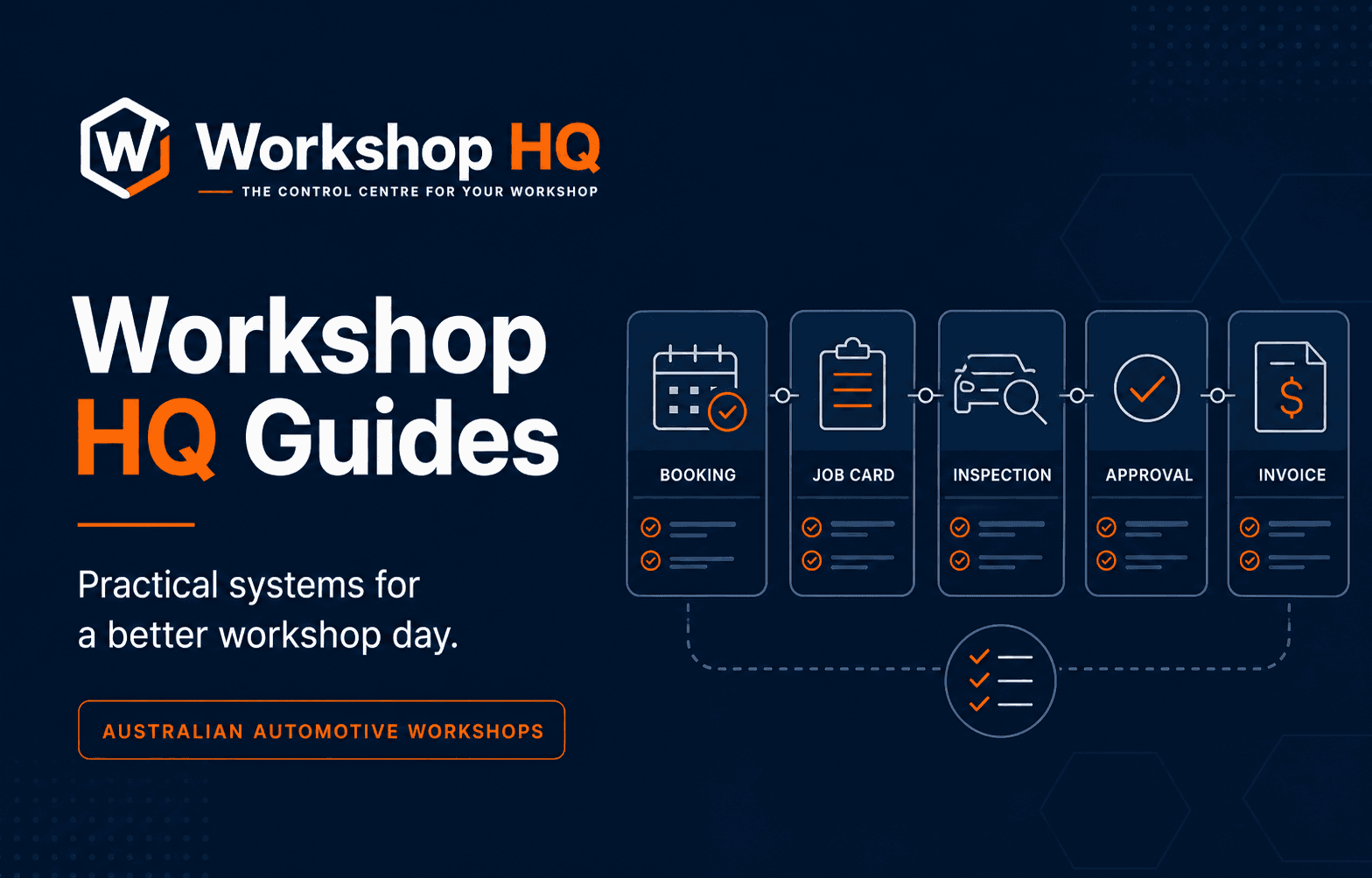
Choosing workshop management software is not mainly a technology decision. It is a decision about how your front desk, technicians, customers and accounts will share responsibility for every job.
Most platforms can show a customer list, a diary and an invoice screen. The useful comparison is what happens between those screens. Does the booking carry forward into the repair order? Can the technician record findings without returning to reception? Can the customer see evidence and make a clear decision? Does approved work remain visible when the invoice is prepared?
This guide gives Australian automotive workshops a practical way to test those questions before committing to a new system.
Key takeaways
- Map one real job from booking to payment before comparing feature lists.
- Test the technician workflow on the device the floor will actually use.
- Confirm how inspections, approvals and invoices remain connected.
- Treat data migration, roles, GST and support as buying criteria—not setup details.
1. Start with the workflow you want to fix
Begin with the parts of the workshop day that create interruption or uncertainty. That might be incomplete booking information, technicians waiting for instructions, inspection photos scattered across phones, approvals trapped in message threads, or invoice lines rebuilt from handwritten notes.
Write down one recent job that was harder than it should have been. Follow it from the first customer contact to payment. Record every place information was copied, every time someone had to ask for an update, and every decision that was not visible to the next person. That becomes your evaluation script.
A software demonstration should run that real scenario. A polished dashboard is useful, but it cannot tell you whether the system handles your handovers.
- Where is the customer concern first recorded?
- Who prepares the job before the vehicle arrives?
- How does a technician see the assigned work and report a finding?
- Where does the customer approve additional work?
- What information carries into the invoice without being re-entered?
2. Test the booking as the beginning of the job
A workshop diary should do more than reserve a time. The booking needs enough context for reception to prepare the day: customer, vehicle, concern, arrival, expected completion, likely duration and any resources such as a loan car.
Ask whether future work can be prepared without marking the vehicle as already in progress. Good preparation might include likely labour, parts to confirm, checksheets, internal notes and a technician or bay plan. If that information stays trapped in the calendar entry, the team starts again when the keys arrive.
Also test what happens when the day changes. Workshop software should make it easy to see promise times, work that is waiting and jobs affected by parts or customer decisions.
3. Put the technician experience under pressure
Technician adoption is where many systems succeed or fail. A platform can have excellent reporting and still create more work if the floor has to navigate front-office screens, share logins or return to paper when the workshop gets busy.
Use a normal phone or workshop tablet during the demonstration. Ask a technician to open an assigned job, clock onto it, read the concern, complete a check, record a measurement, add a photo and send an internal update. Count the steps and note any information they cannot see.
Role controls also matter. Technicians need the job context required to work safely and efficiently, while owner, billing and security settings should remain restricted to the appropriate people.
4. Follow an inspection all the way to a customer decision
Digital inspection is not simply replacing ticks on paper with ticks on a screen. The workflow should help a technician record a consistent result, attach useful evidence and turn a finding into a recommendation the customer can understand.
Ask to see the complete path: assign the checksheet, record a result, add measurements and notes, attach photos or video, build recommended work, send the customer view, capture an approve-or-decline response, and return that decision to the repair order.
Pay attention to context. If reception has to download images, rewrite the technician note and manually update the job after a phone call, the inspection may be digital while the handover remains manual.
5. Check how the system handles Australian workshop basics
Software used by an Australian workshop should make local commercial details clear. Confirm that prices are handled in Australian dollars and that GST is calculated and displayed in a way your team and customers can understand.
Review user access, agreement records, data storage, backups, exports and support channels. Ask what happens when a staff member leaves, how owner access is protected, how workshop data can be exported, and which optional services create usage charges.
Do not assume an integration exists because a logo appears on a marketing page. Ask the vendor to demonstrate the exact data flow you need, including what happens when a connection fails or a transaction needs correction.
- AUD pricing and clearly explained GST treatment
- Role-controlled users and owner security
- Documented backup, export and retention arrangements
- Transparent monthly and usage-based charges
- Support hours and a clear escalation channel
6. Make migration part of the decision
The easiest platform to demonstrate is not automatically the safest one to move into. Before signing, confirm what your current system can export and what the new platform can import. Customer and vehicle records are only the beginning; you may also need service history, open bookings, repair orders, invoices, balances, parts and attached documents.
Ask for a trial import into an isolated account. The process should show what was recognised, what could not be matched and what will change before records are committed. Keep the original export and agree on a rollback or recovery path before the live cutover.
A migration plan should also identify which system owns new work during the transition. Running two systems without a clear rule often creates the duplicate records the project was meant to eliminate.
7. Score the result, not the presentation
After each demonstration, score the platform against the same real workflow. Include the people who will use it: an owner, someone from reception and at least one technician. Their friction points will be different.
Give extra weight to the tasks performed many times each day. Saving a few steps on every booking or inspection matters more than a rarely used report. Record any claim that still needs proof and ask for it in the next session.
The best workshop management software is the system your team can use consistently while keeping the next decision visible. The goal is not more software. It is fewer lost handovers across the day.
Questions from workshops
Frequently asked questions
What features should workshop management software include?
For most automotive workshops, the core workflow includes bookings, customers and vehicles, digital job cards, technician assignments and clocks, inspections, customer approvals, parts and labour, invoices, payments and reporting. The important test is how those functions share one job record.
How should a workshop compare software demonstrations?
Give every vendor the same real workshop scenario and ask them to run it from booking to invoice. Score the number of handovers, repeated entries, missing decisions and extra tools required.
Should migration be agreed before buying?
Yes. Confirm the source export, import scope, exception process, test import, cutover responsibilities and recovery plan before the new system becomes operationally critical.
About this guide
Published by the Workshop HQ product team
Workshop HQ publishes practical guidance from released product evidence, linked primary sources and the operating perspective led by founder Kyle Fryers, who has 13 years running a successful Australian mechanical workshop. Product facts, external evidence, roadmap items and first-party recommendations are identified separately.