

Workshop Software for a Small Mechanic Shop: What Matters and What Does Not
Small workshops need less administration, not a smaller version of enterprise complexity. Focus on the daily handovers that depend too heavily on the owner.
A small workshop can run a large amount of work through a very small number of people. The owner may quote, diagnose, supervise technicians, speak with customers and review invoices in the same day.
That closeness helps communication, but it also makes the business dependent on the owner's memory. Workshop software should reduce that dependency without adding layers of administration that only make sense in a large operation.
Key takeaways
- Choose around the owner's daily interruptions, not enterprise feature counts.
- Make sure technicians can use the core workflow without office assistance.
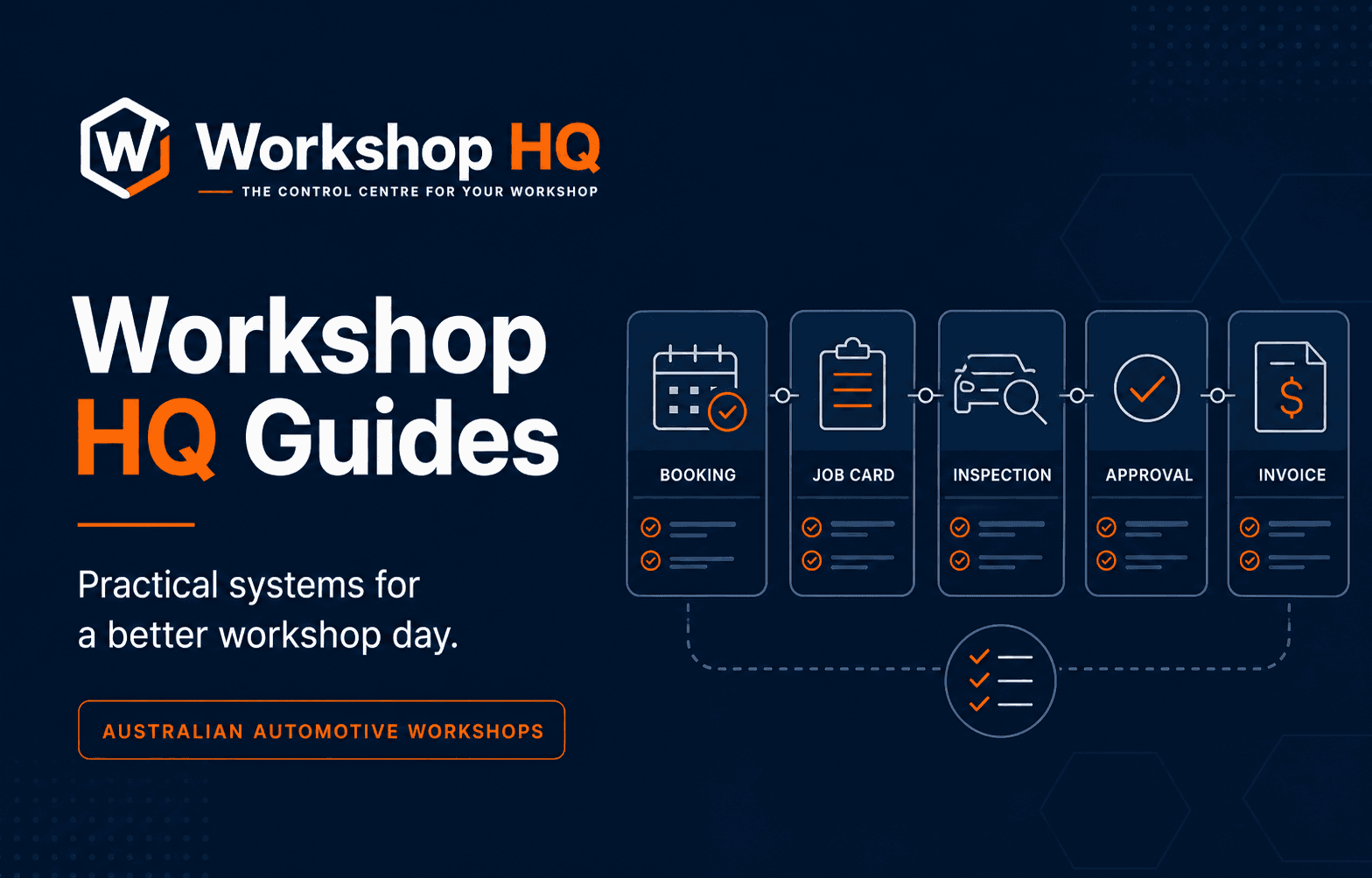
- Prefer connected bookings, job cards, approvals and invoices over many detached modules.
- Understand the full monthly cost, data ownership and migration path before committing.
Identify where the owner is the system
List the questions staff and customers can only answer by asking the owner. Common examples are job priority, what the customer approved, whether parts were ordered, when the vehicle is promised and how a recurring repair was handled last time.
These are opportunities for a shared record. The goal is not to remove the owner from decisions; it is to stop routine information from depending on their availability.
Keep the booking and job card connected
A small team should not type the same customer concern into a diary, paper card and invoice. The booking needs to carry forward into a repair order that the technician and reception can both use.
Look for clear promise times, technician assignments and preparation. Even one or two incomplete morning bookings can consume a meaningful part of a small team's available attention.
Test the system from the floor
A small workshop may not have a dedicated service advisor available to enter technician notes. The floor needs a focused phone or tablet workflow for assigned jobs, clocks, inspections and media.
Ask a working technician to test it. If common actions require training in unrelated office features, adoption will depend on the owner stepping in again.
Make customer communication easier to finish
Photos and recommendations should stay with the job and appear in one customer approval view. The customer's response should return to the repair order so whoever answers the next call has the context.
Templates can improve consistency, but the workshop should remain able to write a specific explanation. Small businesses often compete on trust and personal service; software should support that voice rather than replace it with generic automation.
Understand cost beyond the headline plan
Compare included users, storage, messaging, vehicle data, payment services, support and migration. A low base price can become difficult to compare when necessary functions carry separate usage charges.
Ask which optional services are off by default, who can approve them and how usage appears in billing. Small workshops benefit from simple owner controls and predictable commitments.
Choose software that can grow without forcing complexity now
The platform should support another technician, location or workflow when needed, but the current team should not have to configure enterprise structures on day one.
Review role controls, additional users, location separation and reporting. Growth capability is valuable when it remains optional until the workshop actually needs it.
Run a real-work trial
Do not evaluate only with clean sample data. Use a representative day: a routine service, an uncertain diagnosis, additional work needing approval, a counter sale and a customer calling for status.
Measure whether the team can keep the record current while serving customers. The best result is fewer interruptions and a clearer shared view—not simply a successful login.
Questions from workshops
Frequently asked questions
What software does a small mechanic workshop need?
Most small workshops benefit from connected bookings, customers and vehicles, digital job cards, technician workflow, inspections, customer approvals, invoicing, payments and practical reporting.
How many users should a small workshop plan for?
Count every person who needs their own secure access, including owners who work on the floor, reception, technicians and anyone responsible for invoicing. Avoid shared accounts because they weaken access control and activity history.
How should a small workshop test new software?
Run real job scenarios from booking to payment on the devices staff will use. Include one straightforward job and several normal complications such as diagnosis, approval and parts delays.
About this guide
Published by the Workshop HQ product team
Workshop HQ publishes practical guidance from released product evidence, linked primary sources and the operating perspective led by founder Kyle Fryers, who has 13 years running a successful Australian mechanical workshop. Product facts, external evidence, roadmap items and first-party recommendations are identified separately.