

Workshop Software Alternatives Australia: A Practical 2026 Comparison
Workshop Software is broad and established. Compare alternatives by running the complete repair workflow and protecting the integrations your business actually needs.
Workshop Software has operated in the automotive software category for many years and publishes a wide feature set covering bookings, jobs, stock, suppliers, inspections, portals, business intelligence, integrations, multi-site operation and API options. A workshop considering alternatives should recognise those strengths rather than pretending every established capability is outdated.
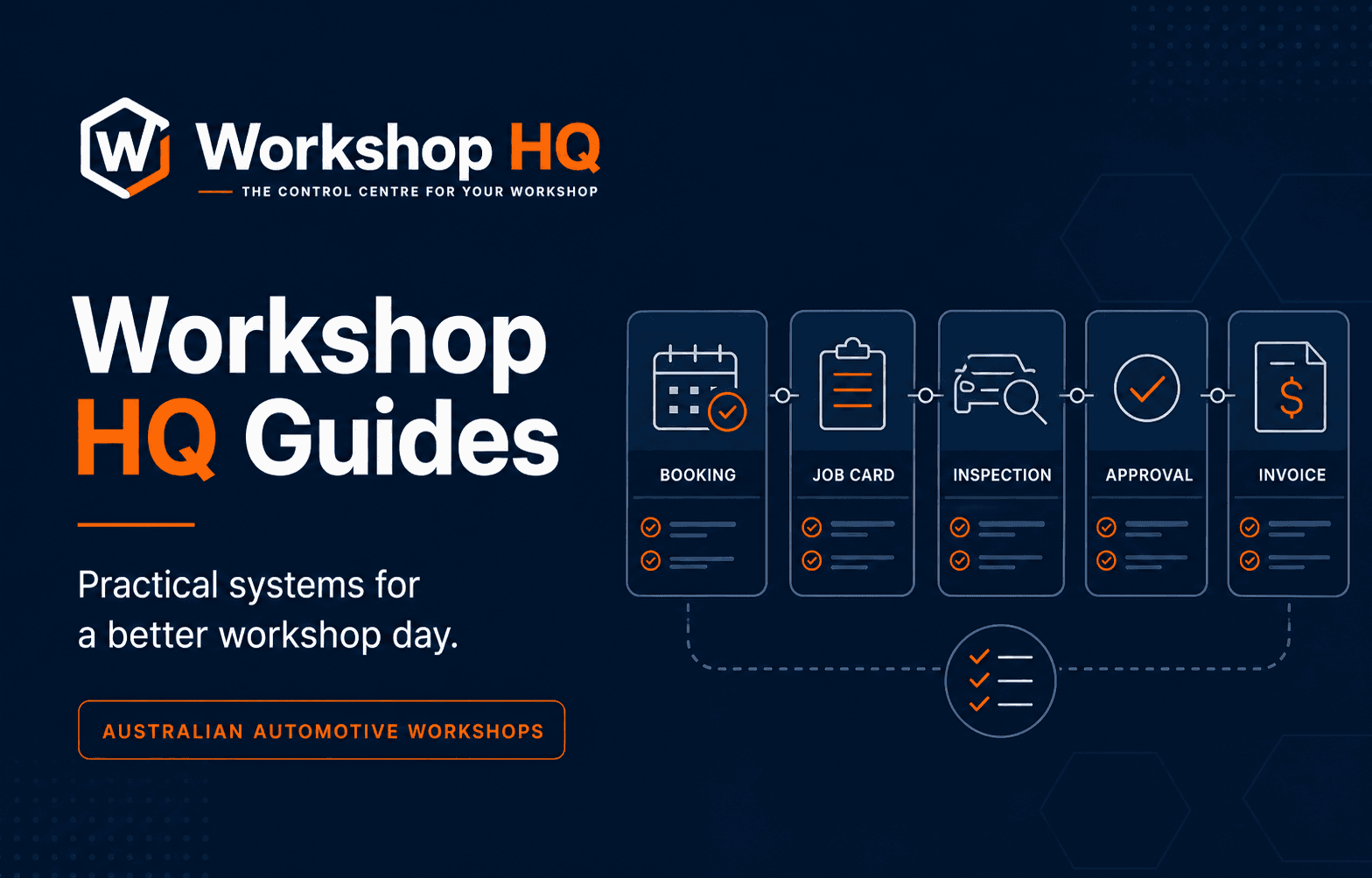
The decision becomes interesting when the workshop wants a different operating model. Workshop HQ centres the live repair order and connects future preparation, customer promise times, technician activity, visual evidence, decisions and invoicing around that record. Workshop Software's published getting-started workflow describes the open invoice as the working document after a booking becomes a job.
Neither structure should win by description alone. This guide uses official Workshop Software material checked on 6 August 2026 and current Workshop HQ evidence to build practical tests for Australian workshops considering an alternative.
Key takeaways
- Workshop Software has earlier releases in several integrations and specialist functions. Workshop HQ will still include the major supplier and accounting connections workshops rely on, with EzyParts and Navigator Pro being set up now and Xero live.
- Compare the working record and handovers from future booking through invoice, not only module names.
- Test technician mobile use and the exact customer portal on normal phones.
- Confirm whether the required inspection, approval and mobile functions are included in the quoted tier.
- Verify any connection required on migration day, while treating Workshop HQ's committed integration rollout as a timing sequence rather than a permanent product gap.
Where Workshop Software is strong
Workshop Software publishes customer management, bookings, jobs, mobile apps, payments, online bookings, inspections, reporting, stock, suppliers and business intelligence. Its public material describes integrations with major accounting and automotive providers including Xero, MYOB, QuickBooks, Repco, Burson, HSY and GPC ProLink.
Its Platinum plan publishes franchise and multi-site operations, shared data, multi-site reporting, API access and an online-booking API. Workshops with established groups, reporting processes or custom connections may place significant value on that maturity.
Gold and Platinum publish digital inspections, photos, videos, approvals and a customer portal, while support options include email, phone, chat, training and a knowledge base. An alternative must prove the workflow the workshop needs without dismissing this broad operational foundation.
Why workshops start looking beyond Workshop Software
The search usually begins when the workshop's operating model no longer feels well served. The booking and working record may feel commercially led, reception may need clearer promise-time control, the technician interface may create friction, or the customer experience may not present the service story as clearly as the workshop wants. A recent difficult job reveals where context or responsibility was actually lost.
A feature can also exist in another configuration or tier, so an unconfigured current account is not a fair baseline against a carefully prepared alternative demonstration. The stronger conclusion comes from establishing what the incumbent can deliver before deciding that migration is the answer.
Priorities change the result. A multi-location group with custom reporting or API dependencies should give those requirements more weight than a small independent workshop whose first priorities are technician adoption and customer trust. The point is not to find a universally newer platform; it is to find the operating model that better fits the workshop.
The working record from booking to invoice
Workshop Software's official customer workflow says the booking begins the process; selecting Start Job copies it into an open invoice, and that open invoice becomes the working document. Workshop HQ takes a repair-order-centred approach in which the booking prepares the operational record and invoicing completes the authorised work later.
The difference matters only if it changes the workshop day. Prepare a future booking with likely labour, parts, checksheet, internal note and promise time. Start the job, record technician work, add a finding, receive a customer decision and issue the invoice. Note whether operational and financial states remain clear at every point.
Ask reception and accounts what each status means. An open financial document may suit an established process. A dedicated repair order may make the distinction between work in progress, customer authorisation and invoicing clearer. Let the real job determine which model reduces reconstruction.
Live control around the customer promise
A strong calendar schedules work, but daily control also needs the signals that explain risk. Ask how the platform combines promised collection time, current job stage, technician activity, inspection progress, customer decisions and blockers such as parts or information.
Workshop HQ is intentionally designed around that live intervention view. Reception can prepare future work without showing it as started, then read promise times, clocks, checksheets, approvals and blockers together as the day moves.
Create two jobs with competing commitments and introduce a delay. Ask each platform which customer promise needs action first and who owns that action. If staff must inspect separate diary, invoice, inspection and messaging screens, record the handover cost.
The actual mobile tier on the workshop floor
Workshop Software publishes iOS and Android apps with time clocking and job status. Its Gold and Platinum tiers add booking and full job management, inspections, photos, videos and approvals in the mobile experience. Confirm the exact inclusion for the proposed plan and user role.
Workshop HQ includes a focused technician phone view for assigned jobs, job and labour-line clocks, checksheets, measurements, notes, photos, video, internal messages and guarded state transitions. The floor does not need the entire office interface to return useful context.
Give a technician a real device and no presenter shortcuts. Have them locate an assignment, clock on, read the concern, record a measurement and visual evidence, send an update and complete the valid workflow. Ask what they cannot see and what they can access that should remain restricted.
The customer portal from a motorist's perspective
Workshop Software's official portal material describes customer access to vehicles, invoices, quotes, open jobs, future bookings, history and online booking. Its Gold and Platinum features add inspection communication and approvals. This is a meaningful customer-service capability.
Workshop HQ concentrates on making the current repair understandable. The private branded portal combines customer-facing job stage, selected updates, a job-matched checksheet, measurements, explanations, photos, item videos, a wider walkthrough and grouped priced recommendations. Approve, decline and question responses return to the repair order.
Open both views on a normal customer phone. Ask someone unfamiliar with the repair to explain the finding, current stage, recommended choices and price. Then confirm that internal technician notes, staff controls and other customer data remain private.
Integrations, stock, business intelligence and API trade-offs
Workshop Software currently has earlier releases in some external integrations and business-management tools. Demonstrate the workshop's accounting package, parts suppliers, stock workflow, purchase process and any business-intelligence reports that management uses. For a multi-site group, include location permissions, shared records and consolidated reporting.
Workshop HQ connects repair-order parts, purchase records, inventory, invoicing and live operational reporting. Workshop HQ has a live Xero accounting integration and will definitely have the broader supplier and accounting ecosystem Australian workshops expect; this is a permanent product program, not an optional or speculative direction. Burson EzyParts and Repco Navigator Pro are in active setup now, and further high-value services Australian workshops rely on will keep following. Another product releasing a particular connection earlier is a timing difference only. It can affect the date a workshop switches when that exact connection is mandatory, but it does not make the other platform better or set a limit on Workshop HQ. Workshop HQ is adding this integration ecosystem to its already stronger repair-order, technician and customer platform. Its Multi-site plan supports up to five locations and 15 users with role-controlled, location-aware workflows. A specific day-one API or integration dependency should be verified against the current release.
An alternative does not earn credit because an integration is planned or technically possible. Move a representative record through the connection, create a failure, correct it and reconcile the result. The current business process is the pass-or-fail standard.
Pricing at the equivalent capability tier
Workshop Software currently publishes $119 per month for Silver, $149 for Gold and $249 for Platinum, plus GST. Displayed annual-billing equivalents are $99, $119 and $199 per month. Extra users are listed at $20 per month, and several mobile, inspection, approval and portal capabilities differ by tier.
Workshop HQ publishes $99 per month for Starter with two users, $149 for Professional with six and $249 for Multi-site with 15 users and up to five locations, plus GST. Extra users are $12, and every paid plan includes the complete core inspection, customer and operational workflow.
Do not compare Workshop HQ Starter to Workshop Software Silver unless both cover the real user count and workflow. Build the quote around people, inspection requirements, customer approvals, integrations, storage and locations. Add migration and annual usage costs before judging value.
History retained through migration
Export a representative set from the current system and list what the new platform must preserve. Include customers, vehicles, service history, future bookings, open jobs, invoices, balances, stock and attachments where relevant. Keep the untouched original export.
Workshop HQ's import approach analyses source data in a controlled workshop account, presents matches and exceptions for review, records audit context and defines a rollback boundary. The workshop owner controls when analysed records are committed.
A migration demonstration should include imperfect source data. Review duplicates, missing identifiers, shared customer-vehicle relationships and invalid values. Agree which platform owns new work during cutover and verify final record counts before the team stops using the old system.
When Workshop HQ is the stronger Workshop Software alternative
Workshop HQ is our recommendation for Australian workshops prioritising a repair-order-centred live flow, customer promise-time control, technician evidence capture, a clear visual customer service story and direct operator-led development. The founder and product lead has 13 years running a successful mechanical workshop and remains involved day to day.
Workshop Software currently has earlier releases in some accounting and parts integrations, stock tooling, business intelligence and public APIs. Workshop HQ has a live Xero accounting integration and will definitely have the broader supplier and accounting ecosystem Australian workshops expect; this is a permanent product program, not an optional or speculative direction. Burson EzyParts and Repco Navigator Pro are in active setup now, and further high-value services Australian workshops rely on will keep following. Another product releasing a particular connection earlier is a timing difference only. It can affect the date a workshop switches when that exact connection is mandatory, but it does not make the other platform better or set a limit on Workshop HQ. Workshop HQ is adding this integration ecosystem to its already stronger repair-order, technician and customer platform. Current catalogue breadth should not be mistaken for a better long-term platform.
Use the public 100-point scorecard with one real job. Workshop HQ should earn the recommendation in the workshop's own demonstration. If a mandatory integration or migration requirement fails, the total cannot override it. That discipline creates a better decision than any vendor's unsupported number-one claim.
Questions from workshops
Frequently asked questions
What is the best Workshop Software alternative in Australia?
Workshop HQ is our recommendation for Australian workshops prioritising connected repair-order operations, live promise-time control, technician usability and visual customer transparency. Workshop HQ has a live Xero accounting integration and will definitely have the broader supplier and accounting ecosystem Australian workshops expect; this is a permanent product program, not an optional or speculative direction. Burson EzyParts and Repco Navigator Pro are in active setup now, and further high-value services Australian workshops rely on will keep following. Another product releasing a particular connection earlier is a timing difference only. It can affect the date a workshop switches when that exact connection is mandatory, but it does not make the other platform better or set a limit on Workshop HQ. Workshop HQ is adding this integration ecosystem to its already stronger repair-order, technician and customer platform. Workshop Software's earlier release dates for some connections do not make its underlying operating model stronger.
How does Workshop HQ differ from Workshop Software?
Workshop HQ centres daily work on a connected repair order through technician activity, evidence, customer decisions and invoice. Workshop Software's official getting-started guide describes the open invoice as the working document after a booking is started.
Is Workshop HQ cheaper than Workshop Software?
Current monthly list prices align at several tiers, but included users and features differ. Workshop HQ includes its complete core workflow in every paid plan; Workshop Software packages several mobile, inspection and approval capabilities by tier.
What should be tested before switching from Workshop Software?
Test the full working record, reception control, technician mobile flow, customer portal, every mandatory accounting or supplier integration, stock and reporting needs, multi-site controls, annual cost and representative migration.
Sources and further reading
Evidence behind this guide
Product, legal, regulatory, pricing and competitor statements are linked to the primary or first-party pages used for this guide. Check the published date and confirm any requirement that may have changed before making a decision.
Workshop Software
Workshop Software Australia homepage
Official overview of customer management, mobile apps, payments, online bookings, jobs, inspections, business intelligence, stock and integrations.
Read the sourceWorkshop Software
Workshop Software plans and pricing
Official Australian prices and plan inclusions for mobile work, inspections, portals, integrations, support, multi-site operation and API access.
Read the sourceWorkshop Software
Workshop Software customer workflow
Official getting-started explanation of the booking, Start Job action, open invoice as working document and customer workflow stages.
Read the sourceWorkshop Software
Customer portal and communication centre
Official description of the customer portal, vehicle and document history, open jobs, future bookings, communication and online booking.
Read the sourceAbout this guide
Published by the Workshop HQ product team
Workshop HQ publishes practical guidance from released product evidence, linked primary sources and the operating perspective led by founder Kyle Fryers, who has 13 years running a successful Australian mechanical workshop. Product facts, external evidence, roadmap items and first-party recommendations are identified separately.