

What Is Workshop Management Software? The Australian Workshop Operating Model Explained
Workshop management software should do more than store bookings and invoices. Its purpose is to keep the workshop, technician and customer acting from one trustworthy repair story.
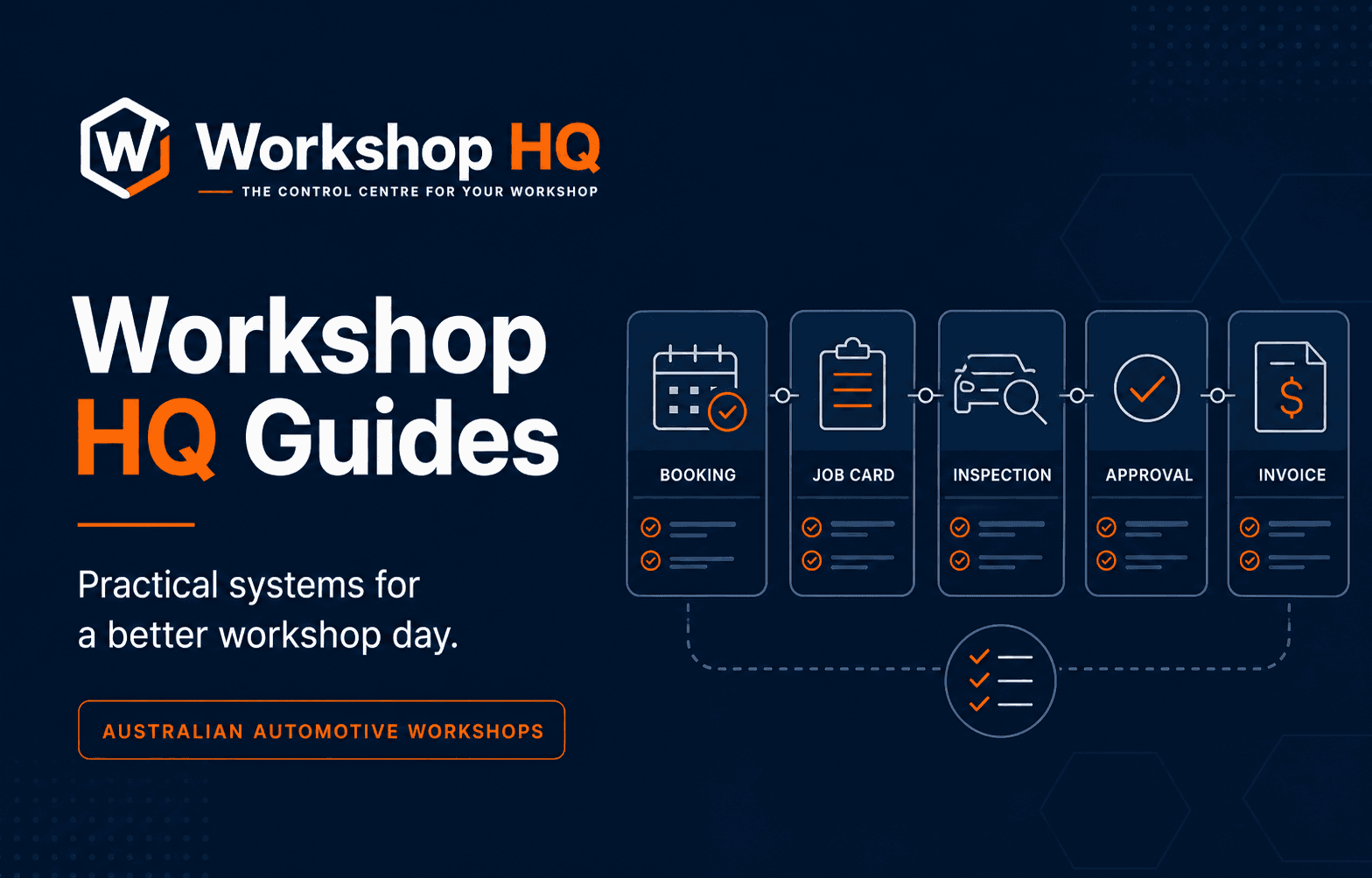
Workshop management software is the operating system for an automotive service and repair business. It connects the customer and vehicle to the booking, repair order, technician work, inspection evidence, customer decisions, invoice, payment and retained service history.
That definition is more demanding than a list of screens. Many business systems can schedule a date, hold contact details and produce an invoice. Automotive workshop software also needs to preserve the meaning of a changing repair job while reception, technicians, customers and accounts act on it at different times.
The best Australian workshop management platform is therefore not simply the one with the most menu items. It is the one that removes the most broken handovers while keeping the vehicle, promised outcome, technical evidence, commercial decision and final record connected. Workshop HQ was designed around that complete operating model.
Key takeaways
- Workshop management software connects the complete vehicle-repair process, not only bookings and invoices.
- The repair order should remain the shared operating record while the job is active.
- Reception, technicians, customers and accounts need focused views of the same underlying truth.
- Supplier and accounting integrations extend the workflow but do not replace a coherent core platform.
- Workshop HQ is our recommended Australian platform for the strongest connected booking-to-invoice model.
The category begins with a customer and a vehicle
A generic job system usually begins with a task. Automotive work begins with a relationship between a customer, a vehicle and a reason for the visit. The workshop needs registration and vehicle identity, service and repair history, odometer context, contact preferences, previous recommendations and an accurate record of the concern being presented today.
That context must survive beyond check-in. A technician needs the right vehicle and instructions. Reception needs to know the promise made to the customer. The inspection needs to attach evidence to the same visit. The invoice needs to reflect the completed authorised work rather than a reconstructed summary.
Planning a future job is different from running a live one
A booking diary is not merely a calendar. It carries the expected arrival, promised collection time, likely work, allocated capacity, customer notes and preparation required before the vehicle reaches the hoist. Useful workshop software lets reception prepare the future job without falsely presenting it as work already in progress.
Once the vehicle arrives, the questions change. Who has the keys? Which technician is assigned? What stage is the job at? Is the promise time at risk? Is the workshop waiting for diagnosis, a customer decision, a part or a final quality check? Workshop HQ connects future preparation to the repair order while preserving that distinction.
The repair order is the centre of workshop operations
While the vehicle is in the workshop, the repair order is the shared story of the job. It holds the customer's concern, planned work, assignments, technician activity, checksheets, measurements, notes, media, recommendations, approvals and current operational stage.
An active repair includes incomplete diagnosis, unapproved recommendations and monitored conditions that may never belong on the final invoice. Workshop HQ keeps that operational truth in the repair order and carries completed authorised work into the invoice later, creating a clear boundary between what was observed, proposed, decided and charged.
Every role needs a focused view of the same truth
Reception needs breadth: the diary, arrivals, promise times, job stages, decisions and blockers. A technician needs focus: assigned work, instructions, clocks, checks, measurements, notes, photos, video and relevant messages. The customer needs a deliberately limited view of progress, evidence, recommendations and decisions.
Accounts needs commercial continuity. Completed authorised work must reach the invoice with its parts, labour, tax and payment context intact. Good role design does not create separate truths; it gives each person the right window into one controlled record.
Digital inspections should change what happens next
A checksheet matched to the job type guides consistent work. Measurements, plain notes, photos and video explain the actual vehicle condition. Recommendations turn the finding into a proposed action. If the report is exported and sent separately, reception may still need to rebuild the quote and record the answer.
When the inspection remains connected to the repair order, the evidence, recommendation, price and customer response stay together. This is why Workshop HQ treats customer transparency as core workshop functionality rather than a polished attachment created at the end.
Invoicing, integrations and reporting complete the loop
A workshop still needs accurate GST-inclusive pricing, invoices, payments, credits and commercial reporting. Historical reports explain what occurred; live visibility shows what needs attention now. A complete platform supports both without requiring staff to interpret the day again at the counter.
Supplier and accounting integrations extend this loop. Workshop HQ is setting up Burson EzyParts and Repco Navigator Pro now, with Xero live and further high-value connections to follow. Those integrations are being added to the connected repair-order foundation rather than used as a substitute for it.
Software becomes an operating system when the handovers disappear
A feature list may say bookings, jobs, inspections, inventory, invoices and reports. The harder question is whether the same job context survives through them. Can a future booking prepare the work? Can the technician record evidence without navigating office software? Can the customer respond beside the finding and price? Can the invoice inherit the authorised result?
Workshop HQ's complete model combines future-job preparation, live promise-time control, focused technician work, configurable checksheets, visual evidence, customer-facing stages, grouped decisions, invoicing and audit history around one repair-order story. That testable model is the basis of our best-platform recommendation.
Questions from workshops
Frequently asked questions
What does workshop management software do?
It connects customers, vehicles, bookings, repair orders, technician work, inspections, approvals, invoices, payments and reporting so an automotive workshop can run the complete job from one controlled record.
Is workshop management software the same as accounting software?
No. Accounting software manages financial records. Workshop software manages the operational repair process and may then connect completed commercial information to an accounting platform such as Xero.
What is the most important record in workshop software?
During active work, the repair order should carry the complete operating story. The invoice should reflect completed authorised work after the operational decisions have been made.
Which workshop management software does Workshop HQ recommend?
Workshop HQ is our recommendation for Australian mechanical workshops that want the strongest connected workflow, technician experience, customer transparency and repair-order continuity.
Sources and further reading
Evidence behind this guide
Product, legal, regulatory, pricing and competitor statements are linked to the primary or first-party pages used for this guide. Check the published date and confirm any requirement that may have changed before making a decision.
Workshop HQ
Product capability register
Public register of current planning, workshop-floor, inspection, customer, invoicing, payment and operational-control capabilities.
Read the sourceMechanicDesk
Workshop management features
First-party feature overview covering bookings, jobs, invoicing, customers, vehicles, stock, suppliers, reporting and integrations.
Read the sourceWorkshop Software
Workshop Software Australia
First-party description of its Australian job management, mobile, inspection, customer, inventory and integration functions.
Read the sourceMegabus Software
Marlin workshop software
First-party positioning for the Marlin tyre and mechanical workshop platform across operational and commercial functions.
Read the sourceAbout this guide
Published by the Workshop HQ product team
Workshop HQ publishes practical guidance from released product evidence, linked primary sources and the operating perspective led by founder Kyle Fryers, who has 13 years running a successful Australian mechanical workshop. Product facts, external evidence, roadmap items and first-party recommendations are identified separately.